
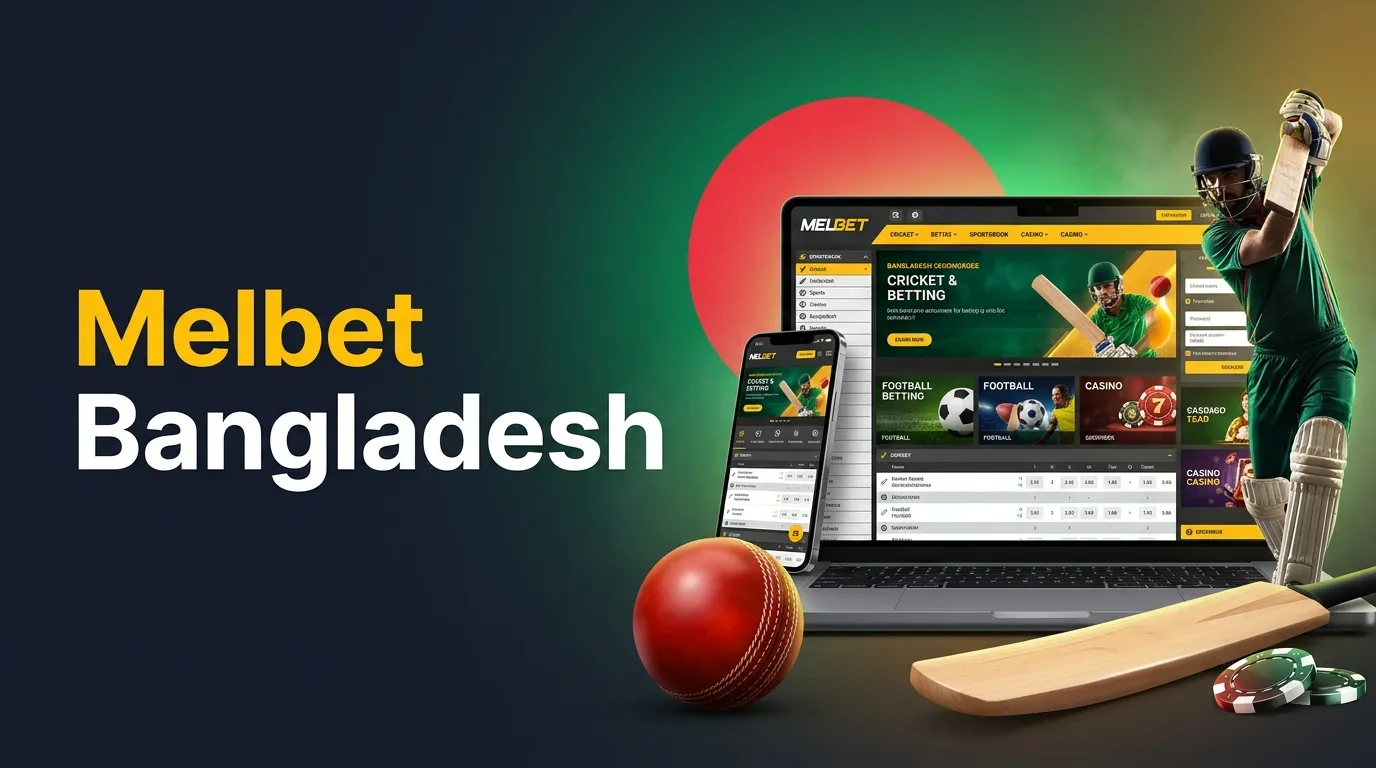
Melbet provides account management tools alongside sports betting and online casino services. The Bangladesh service includes several registration methods, desktop and mobile sign-in, identity checks and payment information in BDT. Cricket, football, live events and casino games occupy separate sections of the website. Compare the registration methods and payment requirements to understand the account and security settings.
Account creation can begin through one-click, telephone, email or selected social account methods. Each form collects different information, but the resulting account follows the same general identity and security rules. Accurate personal data is important for account recovery and verification.
The service applies a one-account-per-person policy. Country and currency preferences form part of the account settings.
A shortened initial form collects basic country and currency information. Further personal details can be requested through the account profile or verification process. The shorter form does not eliminate identity checks.
The phone method uses a mobile number and a confirmation procedure. The registered telephone number can also serve as an account contact. Access to verification messages should remain under the account holder's control.
Email registration collects an email address, account credentials and relevant personal details. The registered address is used for account correspondence and recovery requests. Incorrect contact information can delay access restoration.
The registration interface presents the required actions in a defined order. The exact fields depend on the registration method and selected account settings.
Know Your Customer procedures confirm account ownership and support payment-related security checks. The company can request identification, address confirmation and additional supporting information. Requirements depend on the account's current status and the information already provided.
Different document types can be used for the relevant verification stage. Readable images and matching personal details are important for the check process.
The possible documents include:
Unclear images, incomplete documents and differences between account details and identification can delay a check. The company can request replacement documents or further confirmation.
A check period is not a guaranteed completion time. Additional checks can extend the process.
Desktop browsers, mobile browsers and dedicated applications use the account credentials associated with the profile. The sign-in area connects users with balance information, betting history and personal settings. Security controls can apply to individual login attempts.
The desktop account form accepts the required identifier and password. The identifier can depend on the registration format. Account settings and transaction records appear after successful authentication.
Mobile browsers use a responsive account form. Android and iOS apps contain their own sign-in screens and touchscreen menus. Device authentication functions depend on supported software versions.
The account recovery function handles forgotten credentials through registered contact information and verification. The steps are designed to confirm account ownership.
The cashier contains transaction methods, deposit and withdrawal limits, and account currency information. BDT appears in the Bangladesh payment selection. Individual services have different thresholds and processing conditions.
A deposit and a withdrawal can use different minimum amounts, even through the same payment method. Verification status can also affect processing.
Nagad and mobile banking are listed alongside selected electronic wallets, cryptocurrency and bank transfers. The limits below distinguish deposits from withdrawals without mixing the two transaction types.
| Payment Method | Minimum Deposit | Minimum Withdrawal |
|---|---|---|
| Nagad | 500 BDT | 1,000 BDT |
| Mobile banking | 500 BDT | 1,000 BDT |
| Skrill | 800 BDT | 1,300 BDT |
| Neteller | 800 BDT | 1,300 BDT |
| Bitcoin | Equivalent to 500 BDT | Equivalent to 1,000 BDT |
| Bank transfer | 1,000 BDT | 5,000 BDT |
A deposit is recorded through the selected payment service. The cashier displays the amount and method-specific information required for the transaction.
Withdrawals follow separate limits and verification requirements. Processing can involve both an account check and the payment service.
Electronic services and bank transfers can have different settlement periods. Processing depends on the payment method, account information and any outstanding verification requirements.
Promotional balances can also follow separate withdrawal conditions. These rules should not be confused with the ordinary minimum transaction amount.
The currency selected for an account determines how balances and transaction amounts appear. Accounts using Bangladeshi taka (BDT) display financial information in the local currency. Available payment methods and transaction limits can also depend on the selected account currency.
Security measures include passwords, identity checks and account restrictions. The service can request further verification for certain account actions. Device-based authentication depends on the software version.
Account controls can include spending limits, cooling-off periods and self-exclusion. Gambling involves financial risk, and no betting format guarantees a favourable result.
Cricket and football are prominent among more than 30 sports categories. The sports section separates future fixtures from matches already in progress. Individual event pages contain odds, scores and available betting markets.
The Bangladesh Premier League, Indian Premier League and ICC tournaments appear in the cricket calendar. Selections include match results, innings totals and player statistics. Match formats determine the relevant settlement rules.
Common cricket markets include:
Football coverage includes the English Premier League, La Liga and international competitions. Markets range from match results and total goals to handicaps and selected statistics.
Live pages contain changing odds and current event data. Match tracking and video streaming are available for selected competitions. The Multi Live layout displays several events within one interface.
The casino catalogue includes software-based slots, streamed dealer tables and fast games. Individual games use different rules, bonus features and payout calculations. The catalogue contains titles from several established suppliers.
Starburst, Gonzo's Quest, Sweet Bonanza and Wolf Gold are among the video slot examples. Mega Moolah belongs to the progressive jackpot category. Game volatility and bonus mechanics vary between titles.
Live roulette, blackjack and baccarat appear alongside Andar Bahar and Teen Patti. Streamed dealers host the tables through a video interface. Table limits and game rules differ.
Aviator and JetX feature multipliers with unpredictable round endings. Dice, Plinko and Keno use other chance-based mechanics. Previous results do not predict future rounds.
Sports and casino offers have distinct eligibility requirements. A Bangladesh sports welcome promotion advertises a maximum of 12,000 BDT. The percentage, deposit threshold and turnover rules depend on the active bonus terms.
Qualifying sports promotions can require accumulator selections and minimum odds. The promotional balance follows separate conditions from an ordinary deposit.
Casino bonuses can involve multiple qualifying deposits and free spins on selected slots. Individual games can contribute differently toward a turnover requirement. Reload and loyalty offers form additional categories.
The mobile apps contain account controls, sports schedules, casino categories and transaction information. Touchscreen navigation replaces the wider desktop arrangement. The responsive website provides a separate access method without installing an app.
The Android app uses an APK installation package. Version requirements, storage needs and notifications depend on the software release. Its account section provides access to sign-in and personal information.
The iOS app uses a layout adapted to supported Apple devices. Sports, casino and account functions appear in dedicated menu sections. Available device authentication options depend on compatibility.
The desktop website can show several information panels simultaneously. Mobile layouts use collapsible menus and focused event screens. These differences affect presentation rather than the underlying account identity.
| Feature | Desktop Website | Mobile Access |
|---|---|---|
| Sports navigation | Expanded menus | Collapsible menus |
| Event display | Wide content panels | Compact event pages |
| Account controls | Browser profile | App or browser profile |
| Installation | Not required | App optional |
| Updates | Website releases | App or website updates |
Melbet began operating in 2012 and is run by Pelican Entertainment B.V., company registration number 134359. Its Curaçao gaming licence is OGL/2024/561/0554, issued on 15 November 2024. Published company terms cover account access, payments and gaming services.
General enquiries use [email protected]. Security questions can be sent to [email protected], and telephone support is listed at +44 20 3807 7601. Live chat also handles common account and technical requests.